
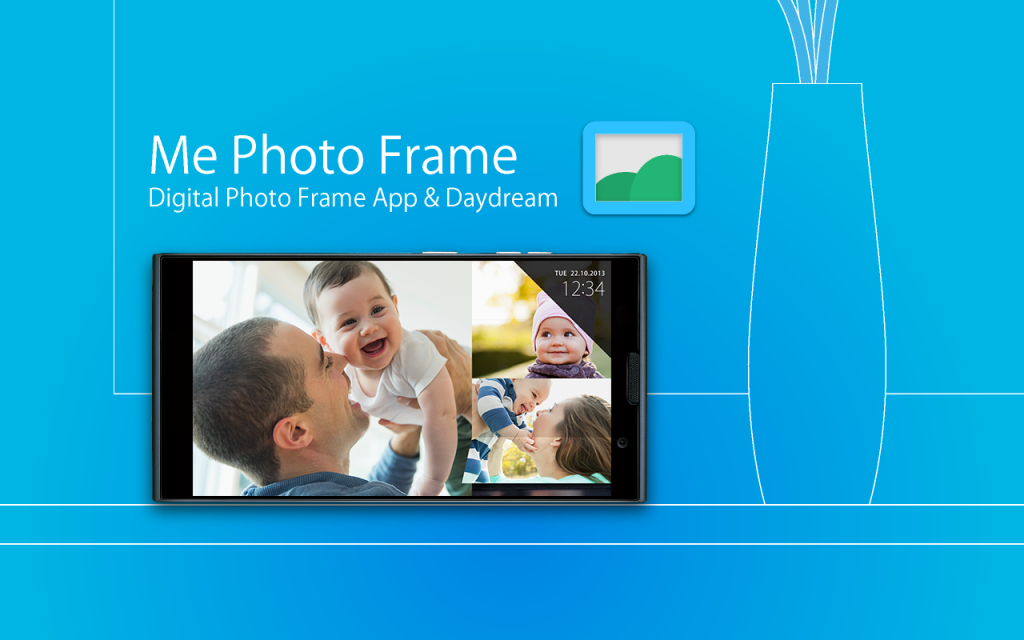
"Me Photo Frame" is a digital photo frame app.
Beautiful design and rich functionality.
- Free and no ads.
- Beautiful slide show themes.(Simple / Flip /Colorful)
- Picasa (Google+ Photo) / External SD card / Internal storage folder.
- Automatic start and end can be at the set time.
- Launch by docked , charge.
- Brightness settings for slide show.
- Supported screen saver function. (Android4.2+ Daydream)
- Analog clock / digital clock display.
How to use: by Application
< set the folders slide show image >
1. Tap the " Me Photo Frame " from the Apps list.
2. " File location " , select the storage.
3. " Image folder " , select the folder of images.
4. Can see the images at slide show.
How to use: by saver (Android4.2+ Daydream)
< set the folders slide show image >
1. Android settings.
2. "Display"
3. "Screensaver"
4. Tap the " Me Photo Frame " by the list.
5. Tap the setting icon of " Me Photo Frame ".
6. " File location " , select the storage.
7. " Image folder " , select the folder of images.
8. Can see the images at slide show.
Q / A:
Q: The slide show does not start at the set time.
A: Auto start works when sleep.
Q: There are no settings to automatic start and automatic end of the setting time.
A: The screen saver (Android4.2+ Daydream), there is no auto-start time setting . Please use the application.
Q: Brightness of the screen does not change when i flick up and down during a slideshow
A: The screen saver (Android4.2 Daydream), there is no brightness setting . Please use the application.
Q: Takes a long time to start slide show.
A: If you set the image of Picasa (Google+ ), you may have a slow display depending on the communication state.
Test Devices:
Nexus4 , Nexus7 , Nexus10 , GalaxyNoteII , GalaxyNote3 , Fujitsu F-01F
From the team:
Thank you for using, Please rate it , and send me feedback.
We do not host Me Frame - Digital photo frame on our servers. We did not scan it for viruses, adware, spyware or other type of malware. This app is hosted by Galad and passed their terms and conditions to be listed there. We recommend caution when installing it.
The APK Download link for Me Frame - Digital photo frame is provided to you by apps112.com without any warranties, representations or guarantees of any kind, so access it at your own risk.
If you have questions regarding this particular app contact the publisher directly. For questions about the functionalities of apps112.com contact us.

|
| ||||
| Downloads: 3 | ||||
| Updated At: 2024-04-19 20:48:15 | ||||
| Publisher: Android_media | ||||
| Operating System: Android | ||||
| License Type: Free |